
All your travel documents in one place.
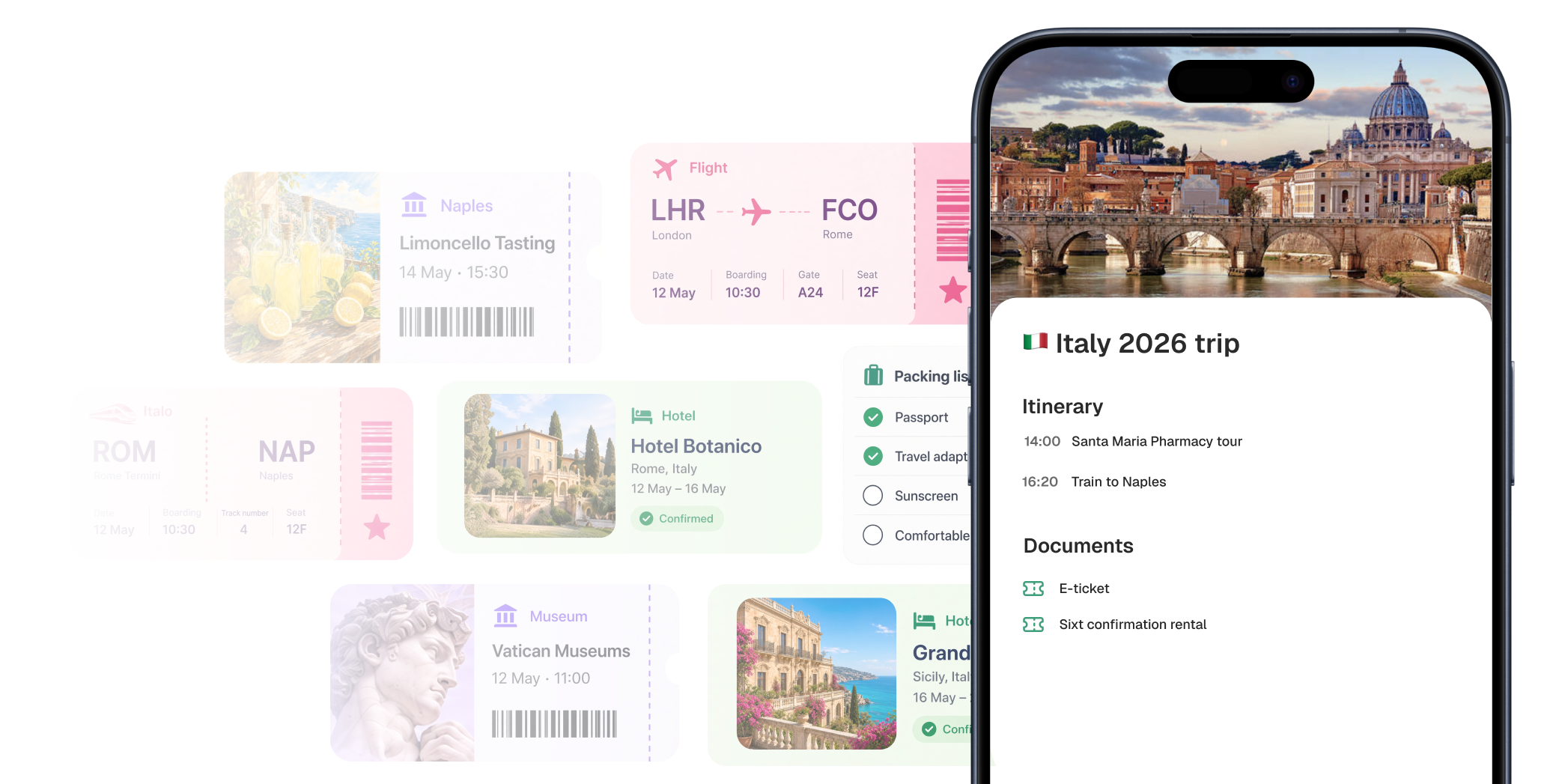
Drop in tickets, bookings, and confirmations. We sort them by day so you always know what’s next.
You already paid for your trip. Now make it worth. Put your travel documents in one place. Share and plan the trip with others.
Features
Drop in tickets, bookings, and confirmations. We sort them by day so you always know what’s next.

Save places you might visit. They wait on the map until you pin them into a day.

One trip for the whole group. Companions see the same documents, days, and plans.
The trip stays with you when the signal doesn’t. Documents and the day’s plan open without a connection.

Pin the things you actually want into each day. Lightweight on purpose — one plan, not a spreadsheet.
Write down what you still need to pack, book, or remember. Simple lists, next to the trip.